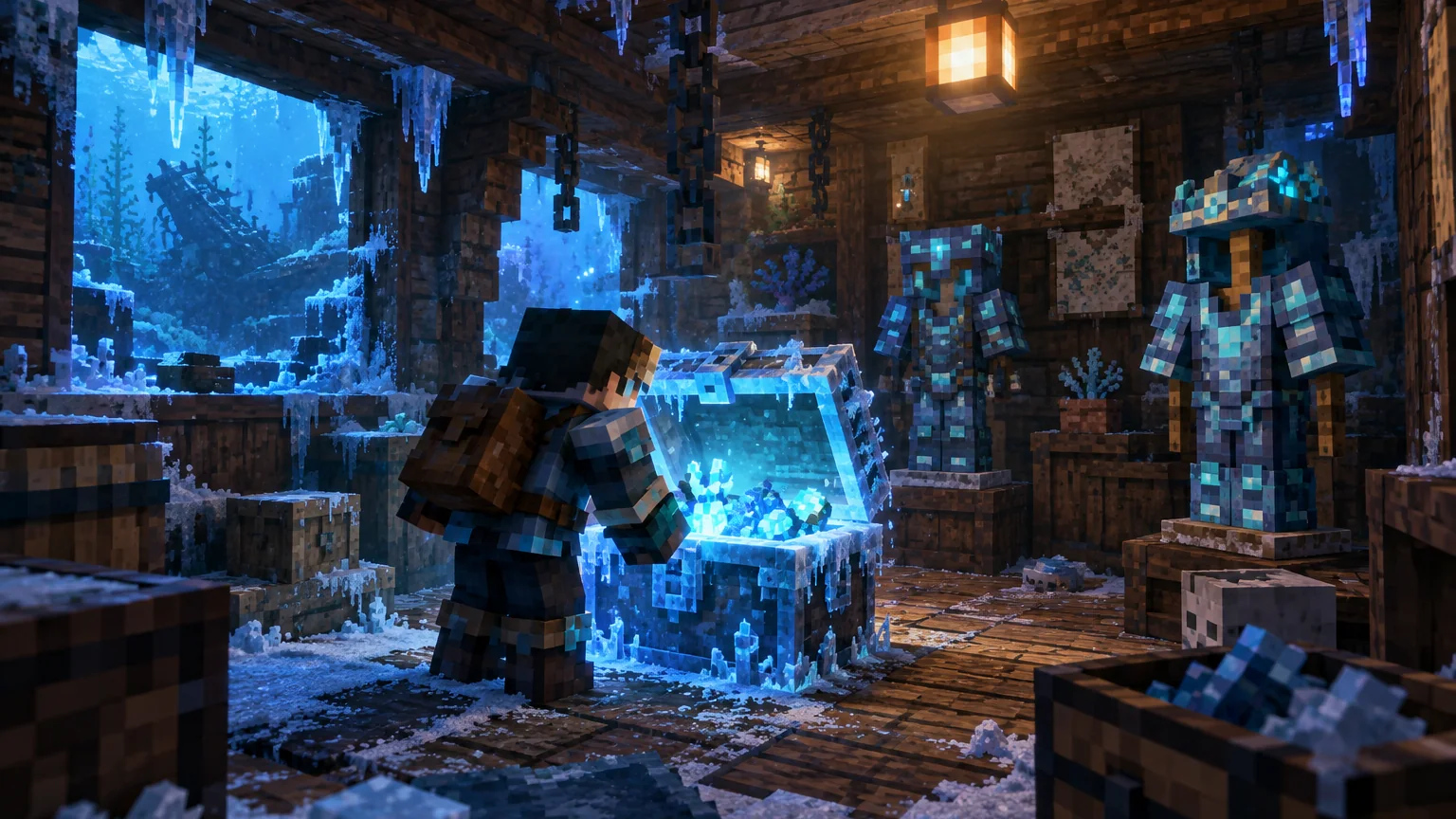
For Minecraft 1.21.1, NeoForge is the relevant modern loader branch on the Neo/Forge edition. The key to a clean setup is matching every component instead of treating “Forge-like” loaders as interchangeable.
NeoForge 1.21.1 context
The current 1.21.1 NeoForge listing checked for this guide is Aquamirae 7.2.10. Do not use a Fabric build in a NeoForge profile, and do not assume an older Forge branch is equivalent to the 1.21.1 NeoForge line.
Start with a dedicated NeoForge profile
Use a Minecraft profile that explicitly runs the NeoForge version required by the Aquamirae release. Do not place Fabric builds into the same mods folder and do not assume a Forge 1.20.1 file is suitable for 1.21.1.
Check dependencies release by release
Dependencies can change between Aquamirae versions. Read the requirements for the exact release you are installing and keep dependency versions aligned with the same Minecraft and loader version.
Use a safe first launch
Launch once with the smallest possible mod set. If the game starts successfully, add the rest of your mods in groups. This makes conflicts much easier to isolate.
World-generation note
If Aquamirae is added after a world already exists, explore new chunks to find new terrain. Back up first because removing or changing world-generation mods later can leave persistent world changes.